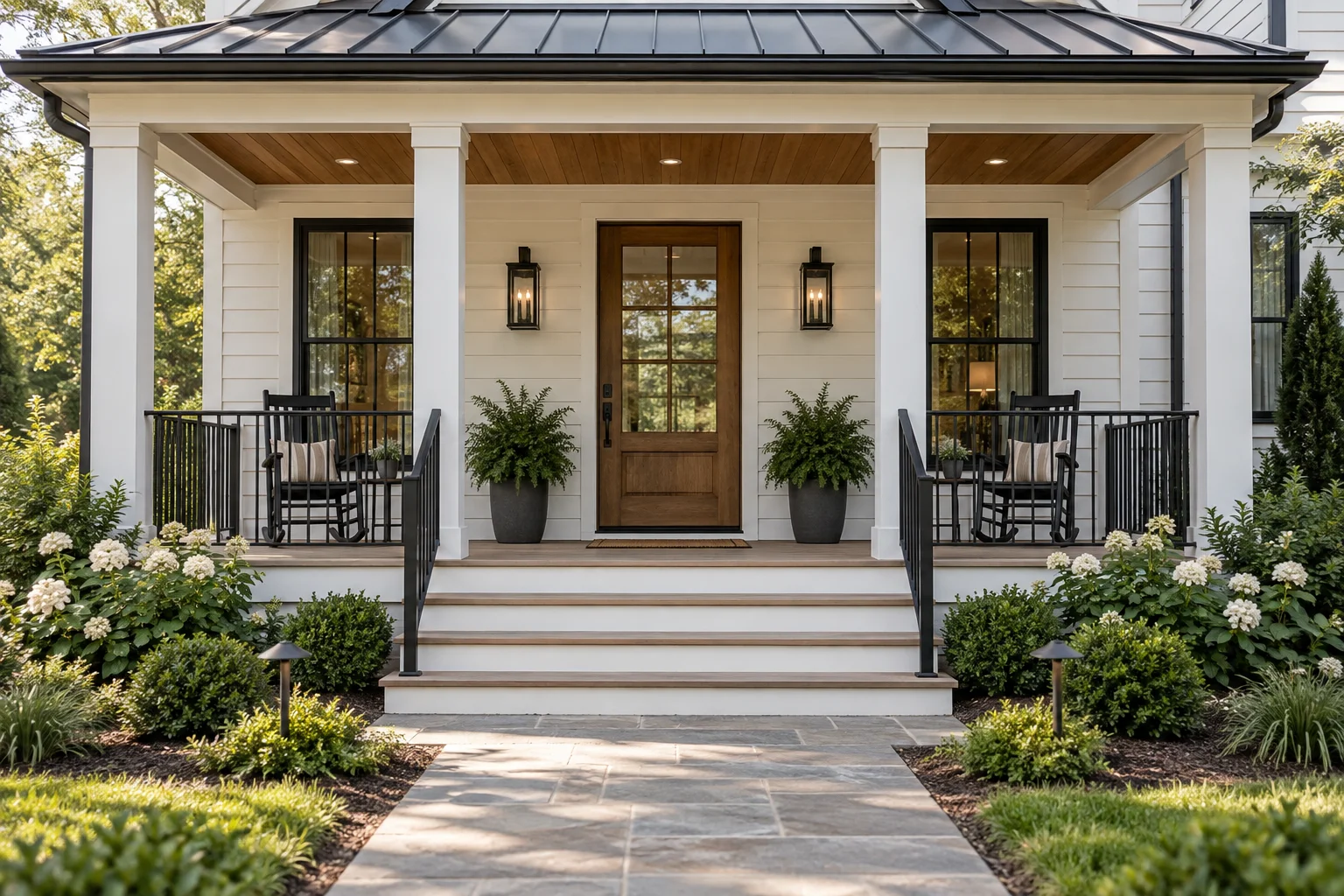
Farmhouse Porch Concept
AI Front Porch Design starts with a photo of your entrance and gives the AI room to try a different palette, clearer trim, and a more welcoming place to sit — all through the exterior image editor already on the site.
Pick a material direction, tell the AI what to keep, and preview a new look for the entrance in the exterior editor already used across the site. The credit cost is shown before you confirm anything.
Your porch concept will appear here.
A few coordinated details can give the entrance a clearer identity.
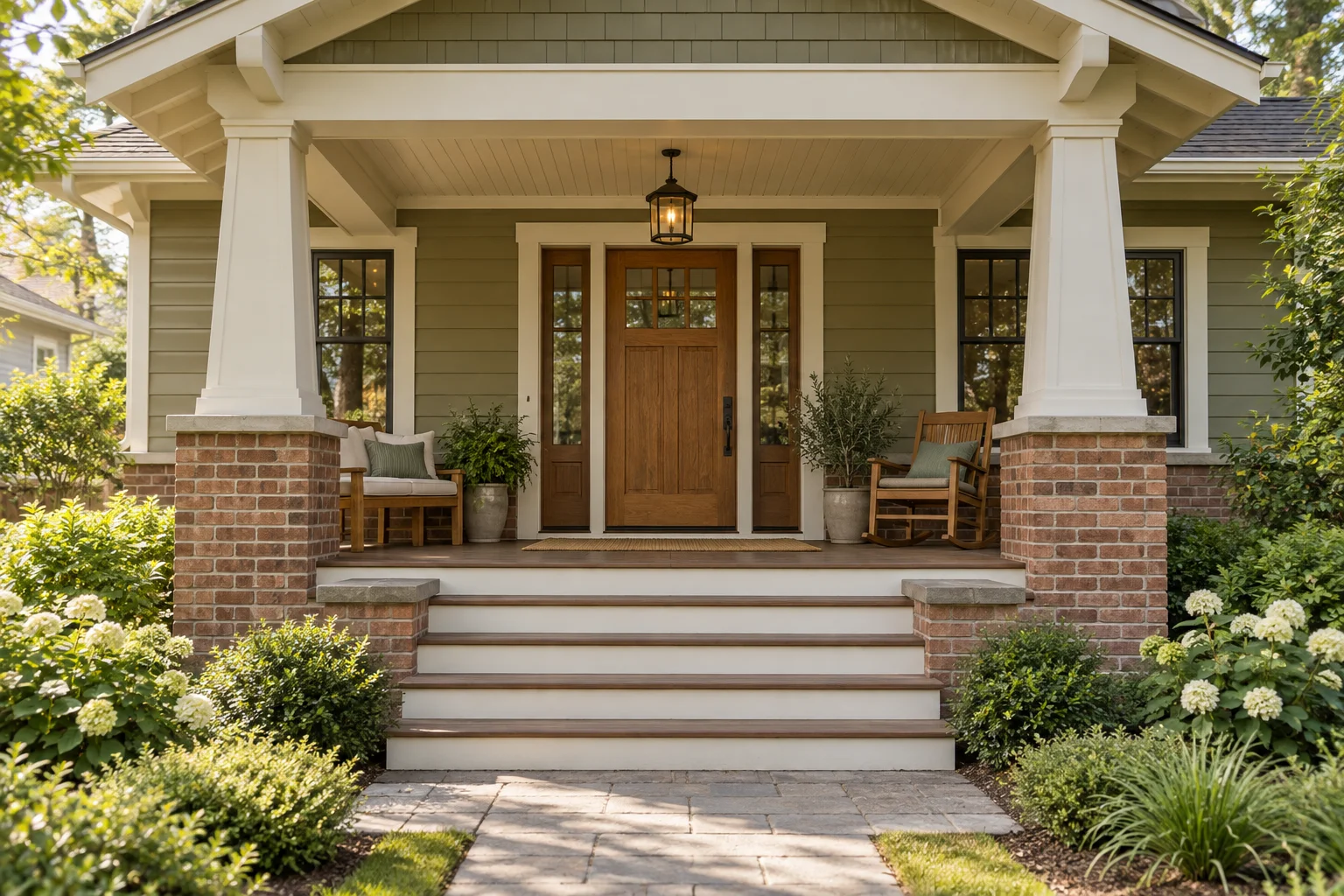
An entrance usually reads as one impression, not a list of separate parts, so ask the AI to think about columns, railings, the ceiling, and the front door together before adding decoration. The Craftsman illustration below is an original concept drawing meant to show that relationship, not a customer project or a promised result.
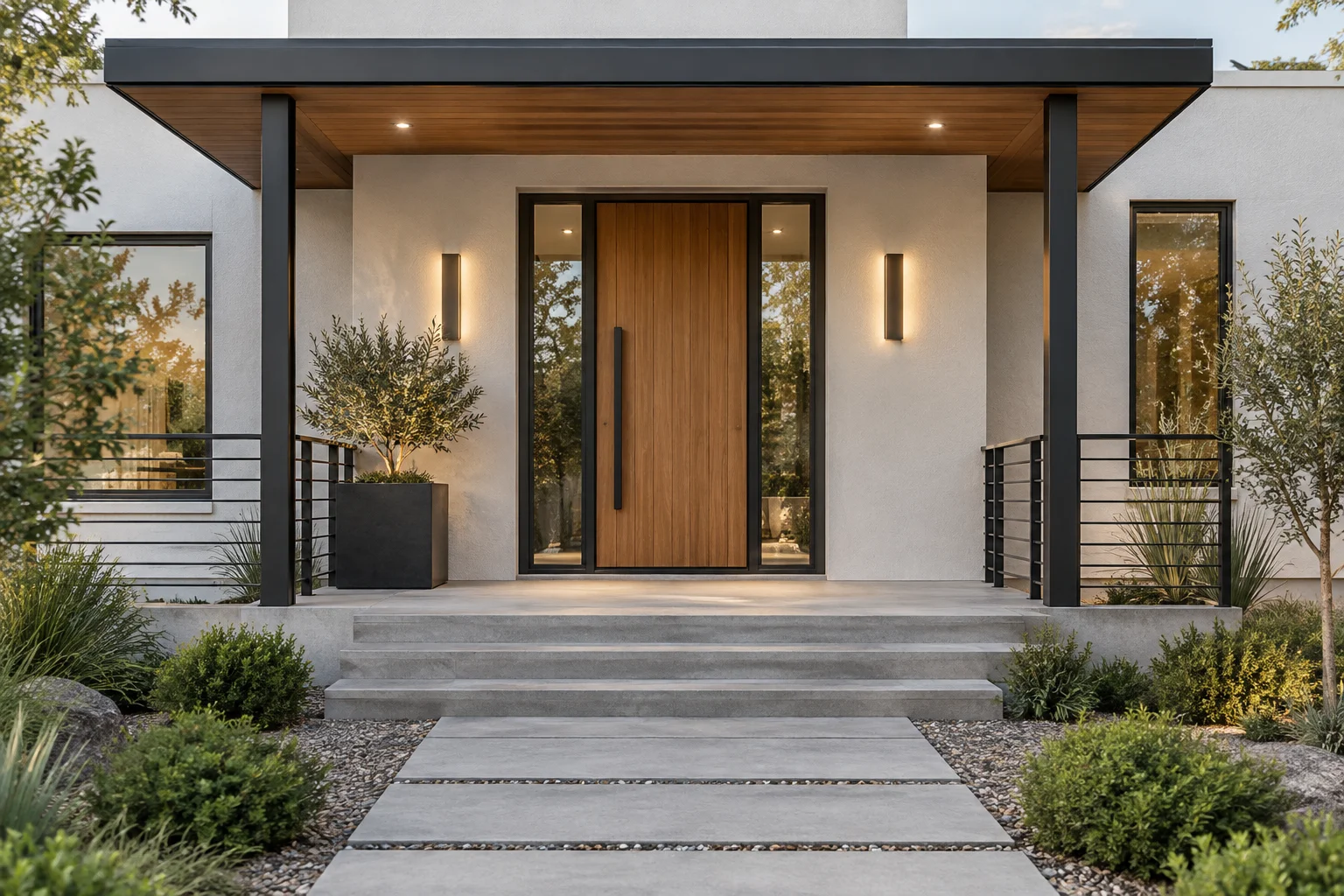
Three original illustrations set the mood for a farmhouse, a craftsman entry, and a cleaner modern look. Use them to brief the AI on a direction, not as proof of an exact outcome.
Start with the parts that make the entrance feel connected.
Ask the AI how different column shapes and railing colors change the way the entrance frames the door.
Give the AI one consistent palette for the door, ceiling, siding, and porch floor instead of testing them one at a time.
Let the AI try a chair, lighting, or planters while keeping the path to the doorway clear.
Move from an entrance photo to a focused exterior concept.
Upload a clear photo showing the porch roof, posts, door, and steps. Keep your source image so the AI has something fixed to compare against.
Tell the AI a style, a palette, and the details that should stay untouched.
Sign in, check your credits, and generate with the AI. Compare the concept against the actual entrance before deciding anything.
Practical answers for planning a more welcoming entrance.
You can ask the AI to try a different style, material palette, or decorative detail on your entrance without touching anything physical. Start with a photograph and describe the change you have in mind. AI Front Porch Design makes a visual direction easier to discuss, but it is not a measured drawing.
Give the AI a clear frontal photograph showing the door, columns, roof edge, and steps, taken in even daylight with enough of the facade visible to explain how the porch fits the house. Avoid tight crops and objects blocking the entrance. Reuse the same photo across attempts so a shift in camera angle doesn’t get mistaken for a design change.
Start with the style you want, then give the AI two or three visible changes — warm wood accents, darker lanterns, simpler railings — and name the doorway and roof shape that should stay put. Keep instructions pointed at one look rather than blending several. Adjust one priority per attempt so each new concept actually tells you something.
Yes — describe light siding, square columns, warm wood, and restrained dark accents, and let the AI work from there. Mention which existing materials should carry through so the result relates to your actual house rather than a generic reference. A farmhouse concept can stay simple or lean more traditional; the balance between porch and facade matters more than any single detail. Confirm paint colors against real samples afterward.
Ask the AI for brick bases, tapered columns, a wood door, and a quieter trim color, and mention the brick tone your entrance already has. Judge the concept by how the materials sit together, not just each detail in isolation. Structural elements need a separate look before anything changes — a convincing image doesn’t confirm how a column is actually supported.
Keep the brief restrained: clean lines, a limited palette, and one strong feature at the door. A timber door, understated lighting, or a slim dark railing can carry a modern look without the AI needing to touch every surface. Check that the result still relates to the rest of the house, and compare proportions against the source photo rather than trusting the generated scale.
Ask for a modest arrangement — a compact chair, a coordinated light, a small group of planters — and tell the AI that keeping the doorway clear matters more than adding furniture. A brighter-looking concept doesn’t mean the porch actually gained space. Measure the entrance and furniture separately, and check the door’s swing before committing to the idea.
Describe the shapes and colors you want compared, and the AI will generate a concept from that brief and your source photo; there is no separate slider for each porch component. Review the result around column bases, railing connections, and steps, and treat odd geometry as a rendering quirk rather than a design decision. Physical changes still need their own assessment before construction.
Ask the AI for a specific relationship — a warm wood ceiling with pale trim, or a darker floor against a lighter facade — and keep the rest of the brief stable while you compare palettes. Lighting and screen settings affect how a color reads on screen, so treat the concept as a starting point and check real samples at the entrance before choosing a finish.
When a full rebuild isn’t the goal, point the AI at paint, lighting appearance, planters, and movable seating instead, and name what should stay exactly as it is. A short list of coordinated changes is easier to evaluate than a complete overhaul. The concept can help you prioritize; get real quotes separately once you know the direction you like.
A clear photo and a short brief are enough to get the AI started. Generation runs on the existing account and credit system, so check the displayed cost and your balance before submitting — repeated attempts use credits. Keep the goal specific enough that you can judge whether a result is actually useful.
Turn the AI’s concept into a short discussion brief: the palette you prefer, details to keep, and changes worth investigating further. Compare it with the real porch, then check measurements and material samples on your own. Share both the original photo and the concept with anyone helping you plan the work, since the image explains a preference rather than proving what is structurally possible.