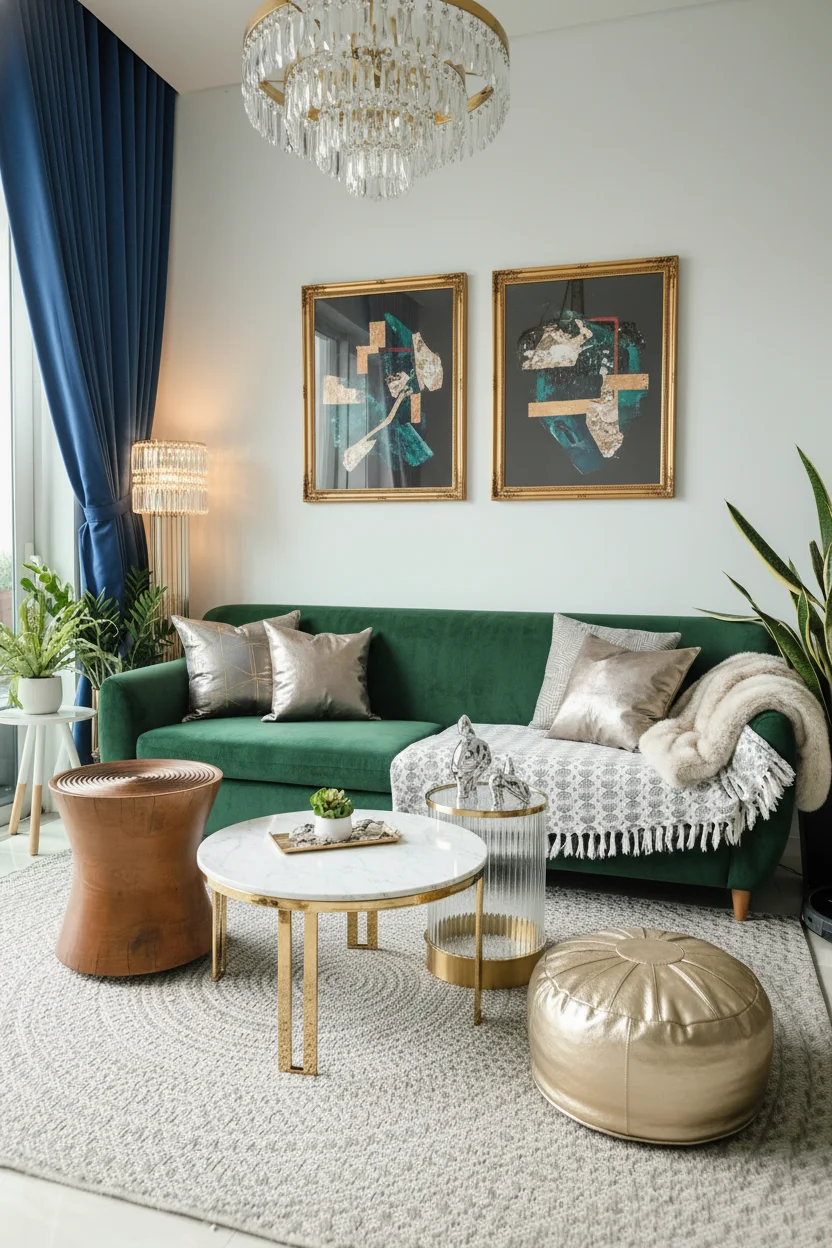
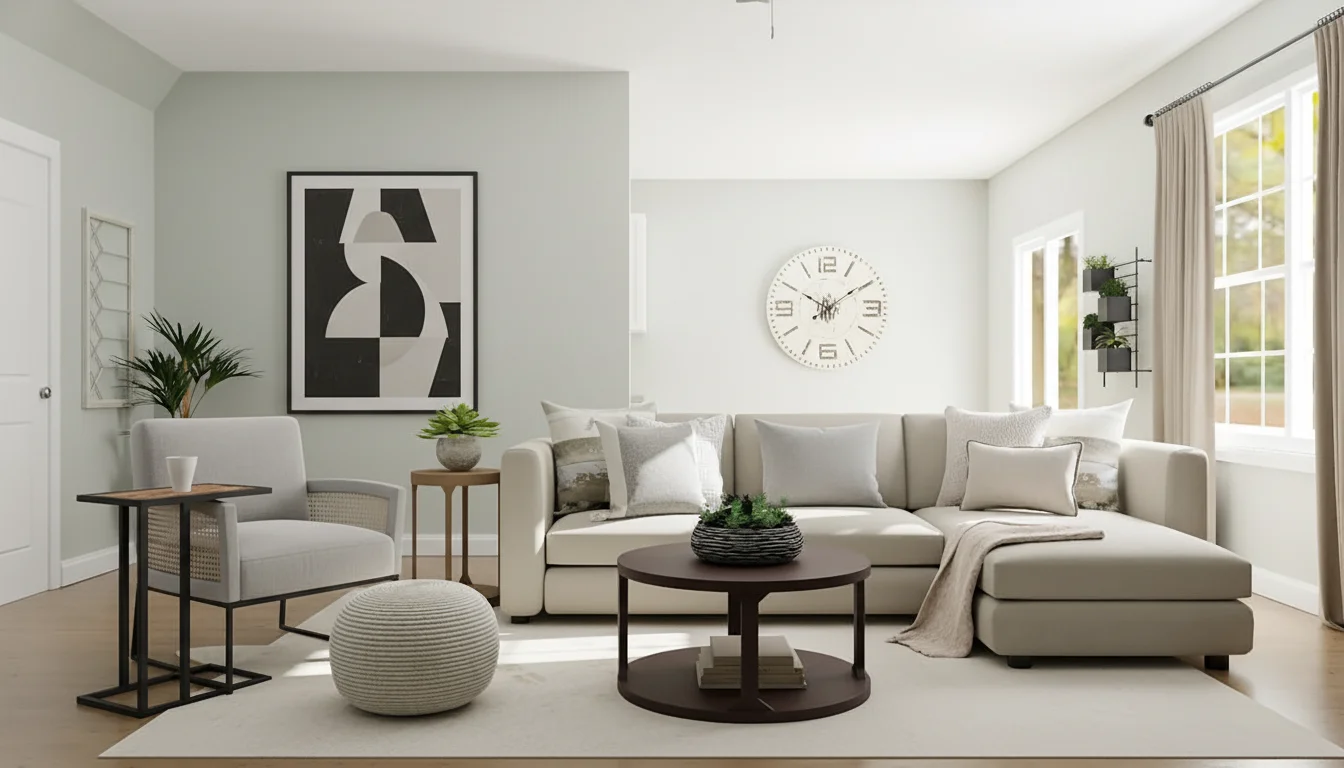

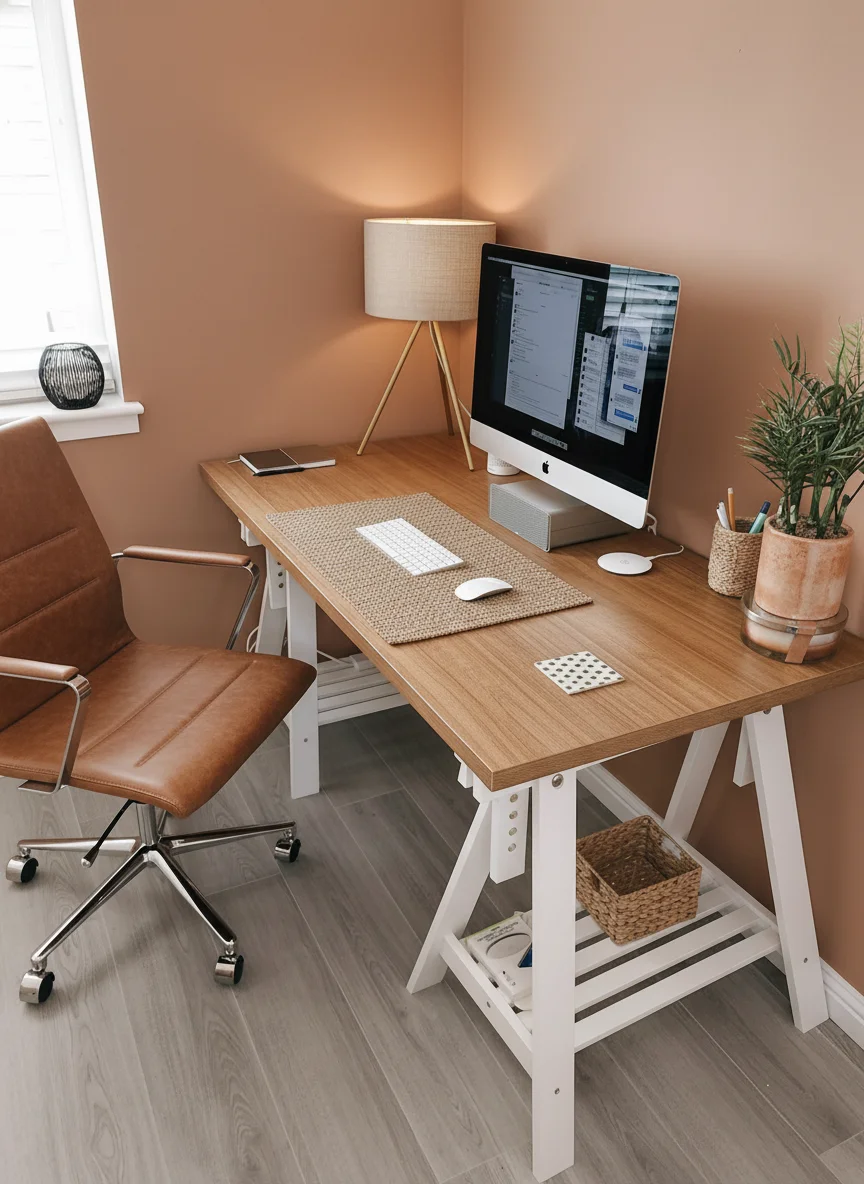
AI Room Planner for Real Room Ideas
Upload a photo and use an AI Room Planner to test layouts, style, color, and furniture direction before you change the room.
Room Planner Generator
Upload a room photo and let an AI Room Planner create practical layouts, decor directions, furniture flow, and style options in seconds.
Example Images
Ready to design
Upload a clear room photo or choose an example to start the AI Room Planner.
ROOM LAYOUT PREVIEW
Turn a real room photo into a clear AI Room Planner preview. Compare seating, storage, walkways, focal points, and decor balance before moving furniture or buying pieces.
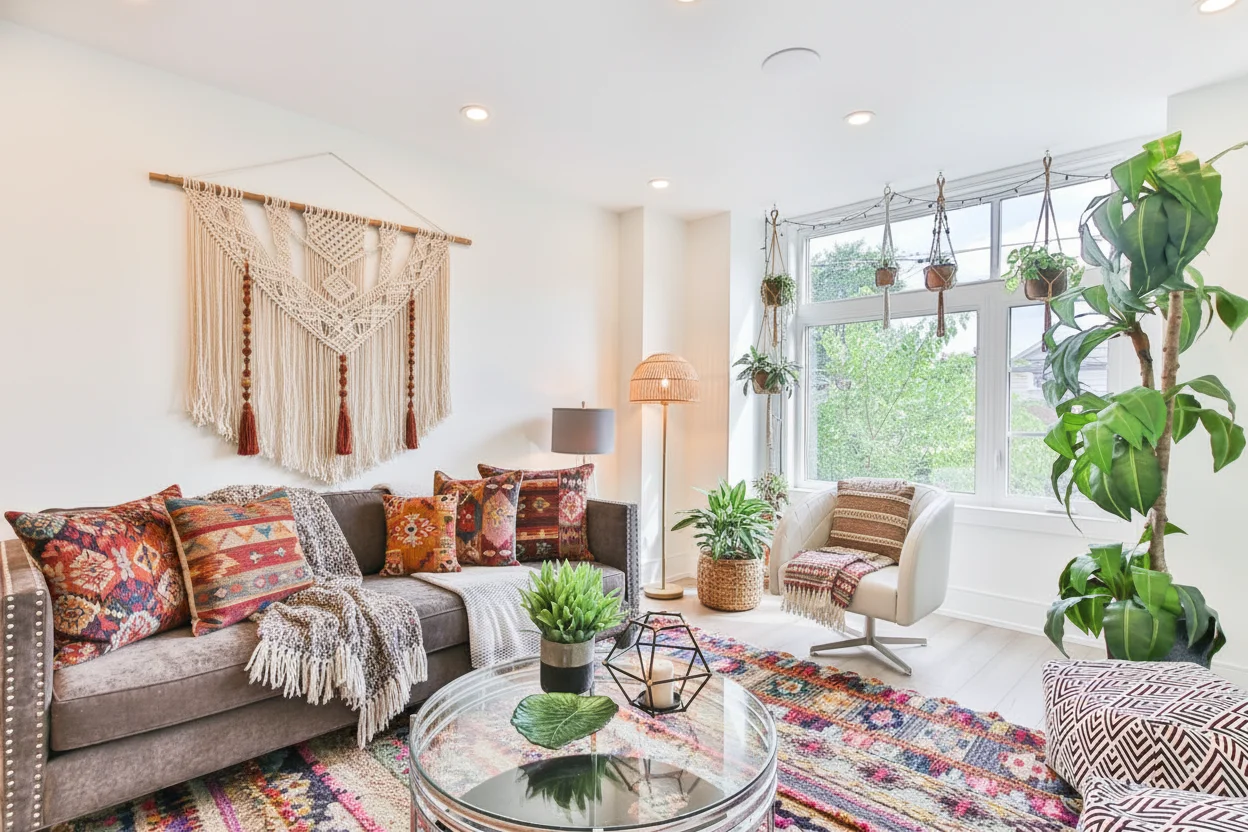
FURNITURE AND STYLE OPTIONS
Use Room Planner AI support to test sofa placement, beds, dining zones, rugs, shelves, lighting, and wall color while the AI Room Planner keeps the room purpose easy to understand.
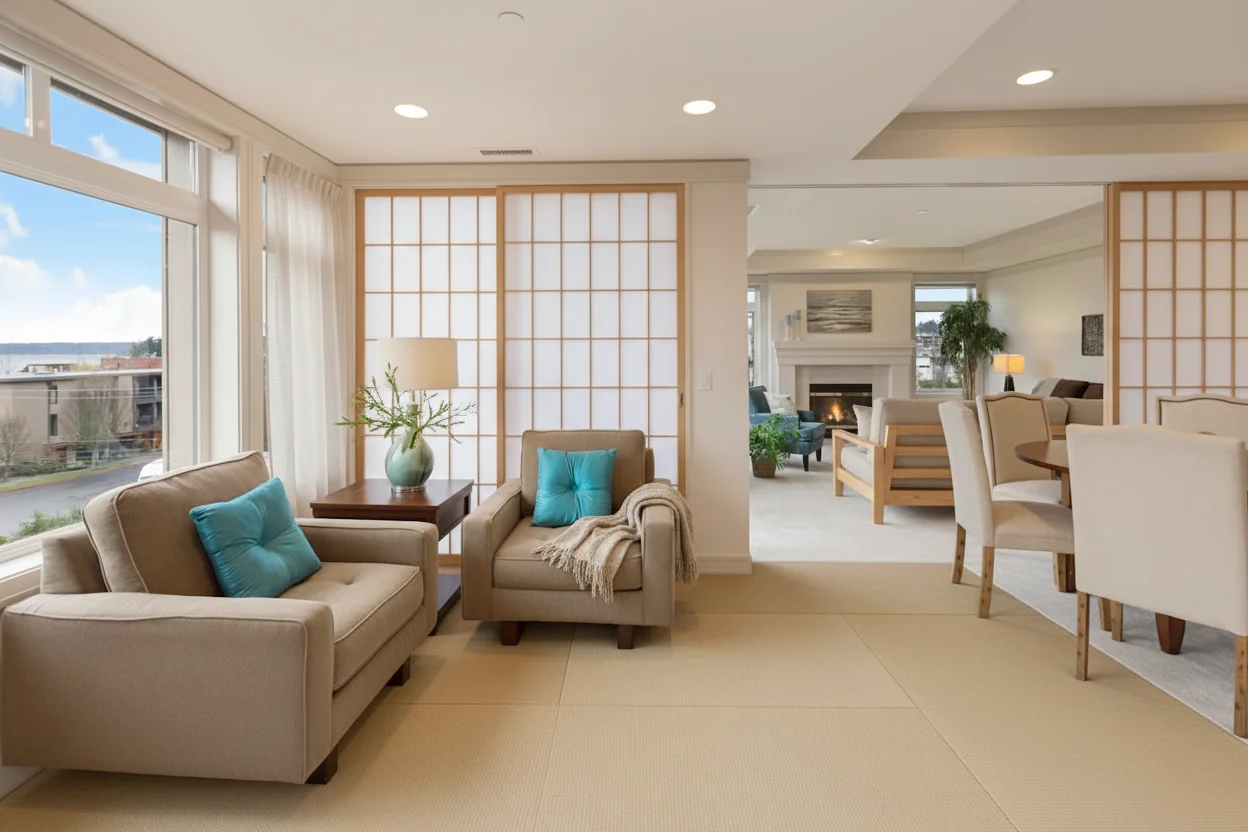
SMALL ROOM PLANNING
The AI Room Planner helps compact bedrooms, studios, offices, and multipurpose rooms feel organized by showing clearer zones, smarter storage, and better circulation.

PRACTICAL ROOM CHANGES
For remodels, rentals, and staging, compare Room Planner AI concepts that show what to keep, what to replace, and which AI Room Planner direction feels realistic.
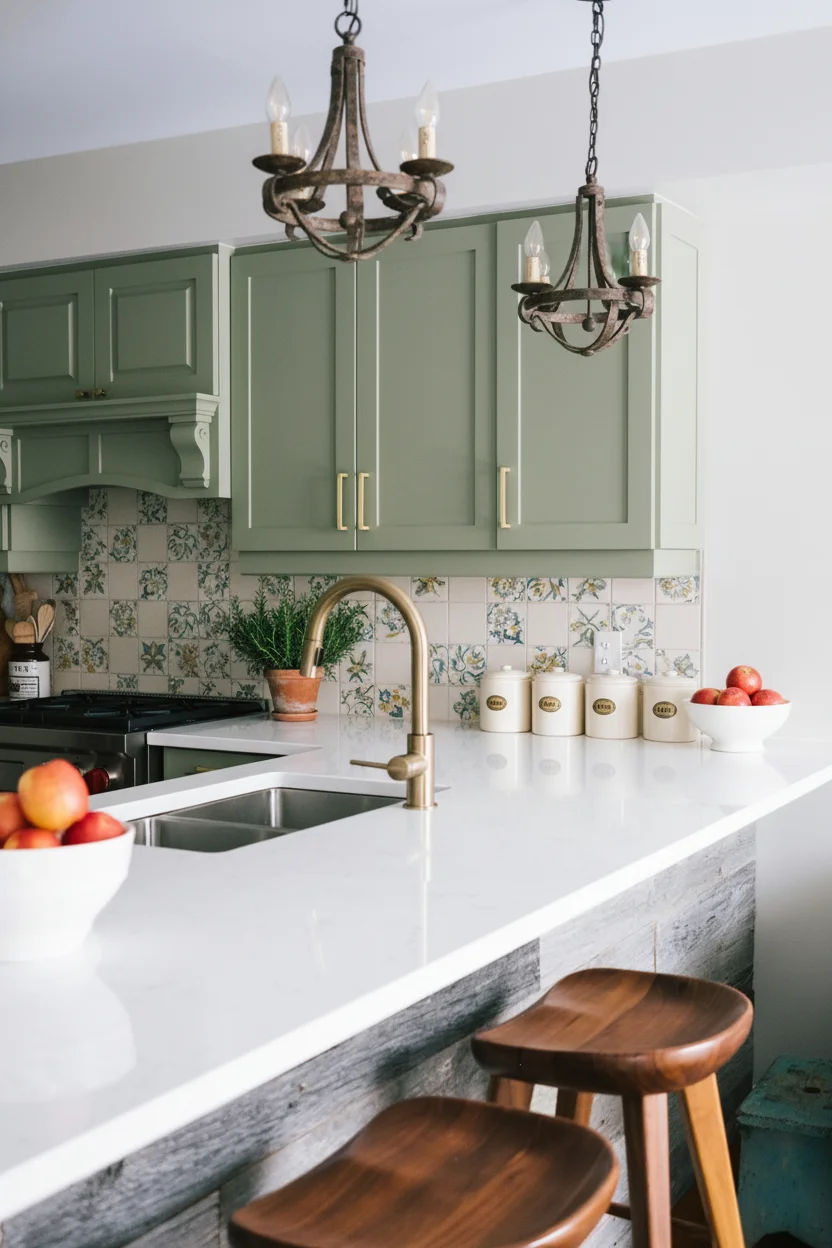
Plan Better Rooms with AI
An AI Room Planner turns room photos into practical visual concepts for layouts, furniture placement, decor, lighting, color, and daily flow. Homeowners, renters, and design teams can compare room planning choices before committing time, budget, or heavy changes.
Redesign From One Room Photo
Upload a living room, bedroom, kitchen, office, dining area, or empty room image, then use an AI Room Planner to explore new directions without drawing a floor plan from scratch. This AI Room Planner view keeps the first option easy to judge.
Compare Furniture Placement
Room Planner AI previews help test sofas, tables, beds, shelves, desks, rugs, and open walking paths so the layout feels comfortable instead of crowded, while the AI Room Planner keeps ideas visual.
Preview Style and Decor Ideas
Use an AI Room Planner to compare modern, minimalist, warm, luxury, Scandinavian, Japandi, farmhouse, or eclectic room styles with matching palettes and materials. The AI Room Planner makes each style direction easier to compare.
Support Real Renovation Choices
Before buying paint, lighting, cabinets, flooring, or furniture, Room Planner AI concepts make design tradeoffs easier to discuss with family, clients, or contractors. The AI Room Planner keeps each option easy to review.
Plan Multi Purpose Spaces
An AI Room Planner can help a guest room become an office, a corner become a reading zone, or an apartment room support storage, work, and rest in one layout.
Create Shareable Room Concepts
Save Room Planner AI outputs for mood boards, client reviews, rental updates, listing prep, renovation notes, or quick comparison when several people need the same visual reference from an AI Room Planner.
How the Room Planner Works
Move from one room photo to practical AI Room Planner concepts in three focused steps.
Upload
Add a bright room photo so the AI Room Planner understands walls, windows, lighting, existing furniture, scale, and fixed architectural limits.
Describe
Name the room type, preferred style, must-keep items, storage needs, color direction, and layout problems you want Room Planner AI results to solve.
Compare
Review several Room Planner AI concepts, compare layout flow and decor direction, then keep the strongest AI Room Planner image for planning, sharing, or redesign decisions.
Room Planner FAQ
Practical answers about layouts, room photos, furniture placement, decor ideas, and AI planning workflows.